
As remote work, content creation, and multi-screen workflows become increasingly common, investing in a quality monitor arm can dramatically improve your workspace. A good monitor mount not only saves desk space but also promotes better posture, enhances productivity, and creates a cleaner, more professional-looking setup.
In this guide, we’ll compare three popular monitor mounting solutions:
- Dyazo Dual Monitor Desk Mount with Laptop Tray
- iVOOMi Single Monitor Gas Spring Arm
- MOUNTUP Dual Monitor Stand
Whether you’re a remote worker, gamer, programmer, trader, or content creator, one of these monitor mounts can help transform your workstation.
1. Dyazo Dual Monitor Desk Mount with Laptop Tray
Best For: Laptop + Monitor Users
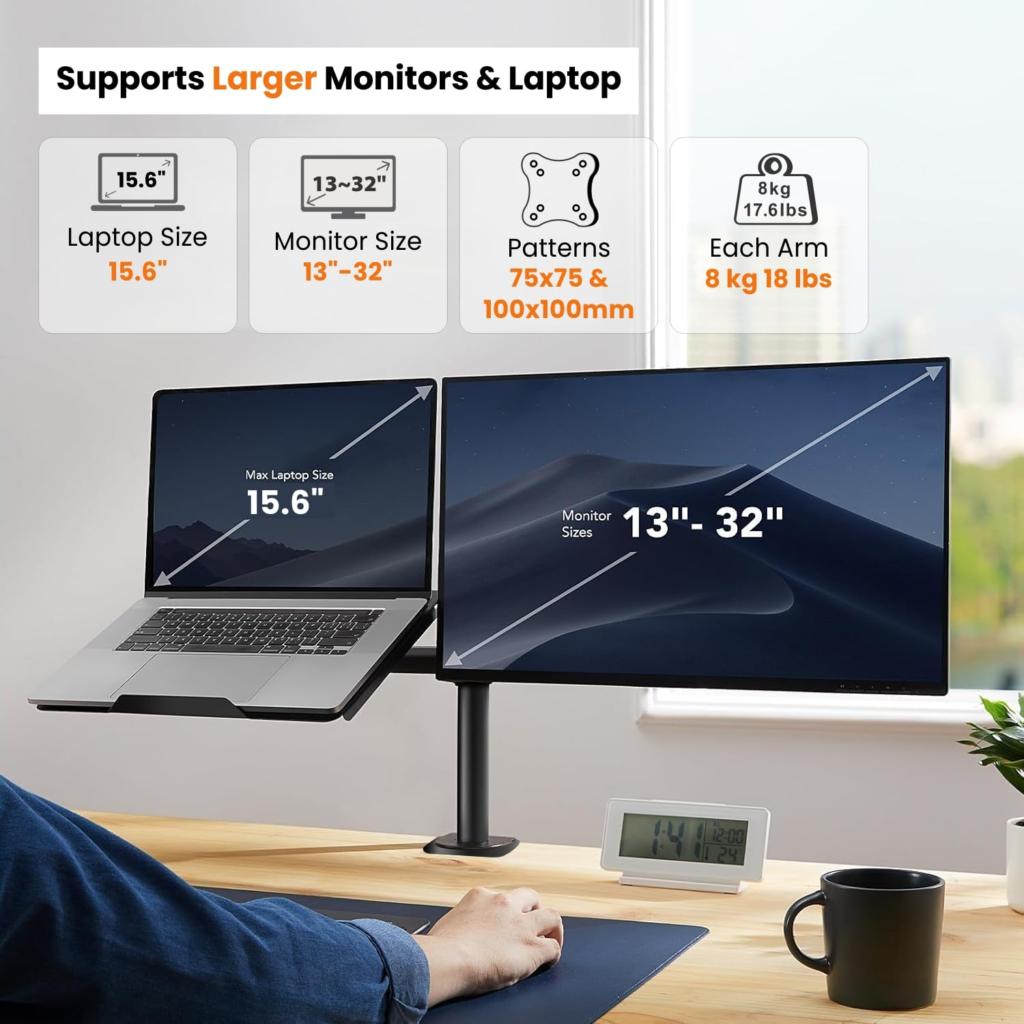
The Dyazo Dual Monitor Desk Mount is designed for users who work with both a laptop and an external monitor. Instead of taking up valuable desk space, the mount elevates both devices using adjustable arms, creating a more organized and ergonomic workspace.
Key Features
- Supports monitors from 13–32 inches
- Compatible with laptops from 10–15.6 inches
- Fully adjustable arms
- 360° monitor rotation
- Height adjustment support
- C-clamp and grommet installation options
- Space-saving design
Pros
✔ Perfect for laptop and monitor combinations
✔ Frees up desk space
✔ Improves workstation ergonomics
✔ Adjustable viewing angles
✔ Sturdy metal construction
Cons
✘ Limited laptop size compatibility
✘ Not ideal for dual-monitor users without laptops
Recommended For
- Remote workers
- Students
- Business professionals
- Hybrid office users
Rating: 4.5/5 ⭐
link- https://amzn.to/4efEVhv
2. iVOOMi Single Monitor Gas Spring Arm
Best For: Single Monitor Setups
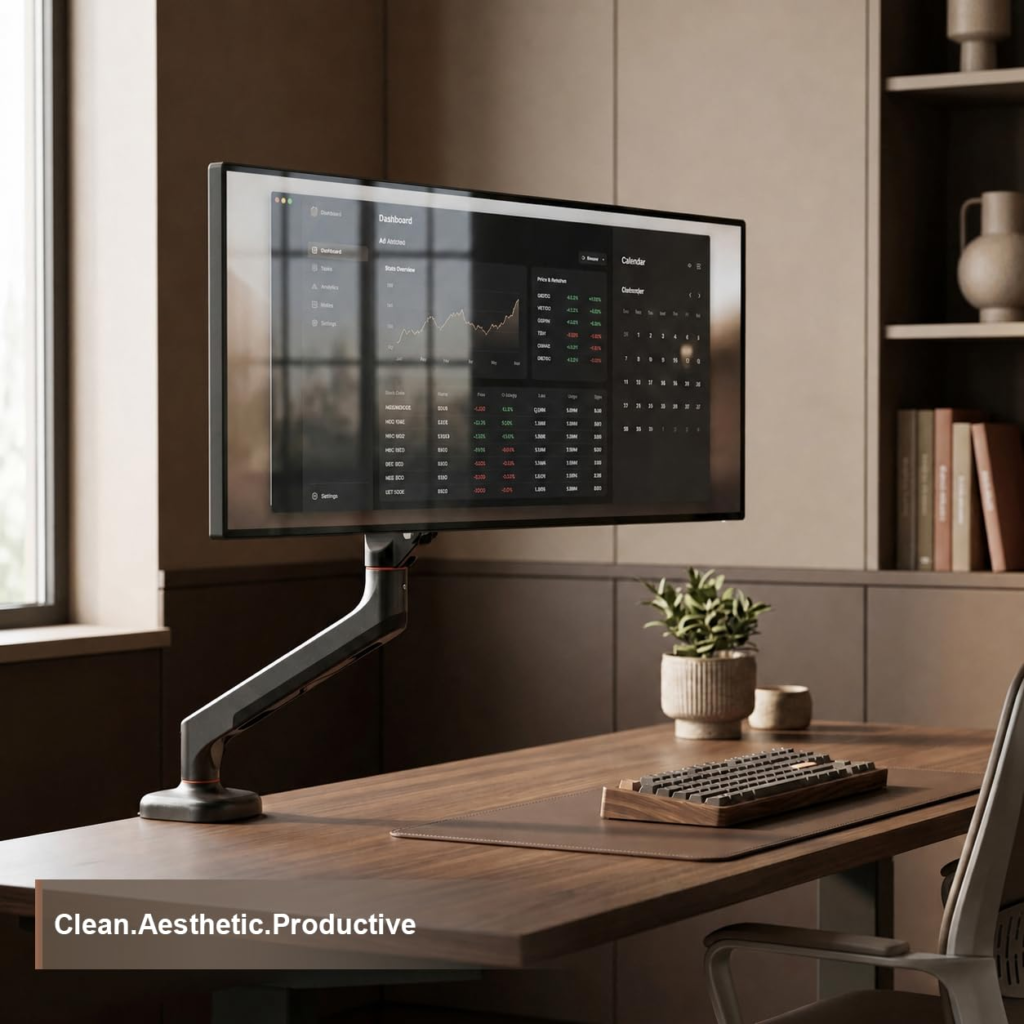
If you’re using a single monitor and want maximum flexibility, the iVOOMi Gas Spring Monitor Arm is an excellent choice. Its gas spring technology allows smooth height and position adjustments while keeping your desk clean and organized.
Key Features
- Supports 15–34 inch monitors
- Maximum load capacity of 12kg
- Gas spring adjustment system
- 360° rotation
- Tilt, swivel, and height adjustment
- Supports portrait and landscape modes
- VESA 75x75mm and 100x100mm compatibility
- Includes C-clamp and grommet mount
Pros
✔ Smooth gas spring movement
✔ Supports larger monitors
✔ Excellent ergonomic flexibility
✔ Easy monitor positioning
✔ Space-saving design
Cons
✘ Supports only one monitor
✘ Requires VESA-compatible displays
Recommended For
- Software developers
- Designers
- Gamers
- Home office users
Rating: 4.7/5 ⭐
link- https://amzn.to/4uHaJ3A
3. MOUNTUP Dual Monitor Stand
Best For: Dual Monitor Productivity Setups
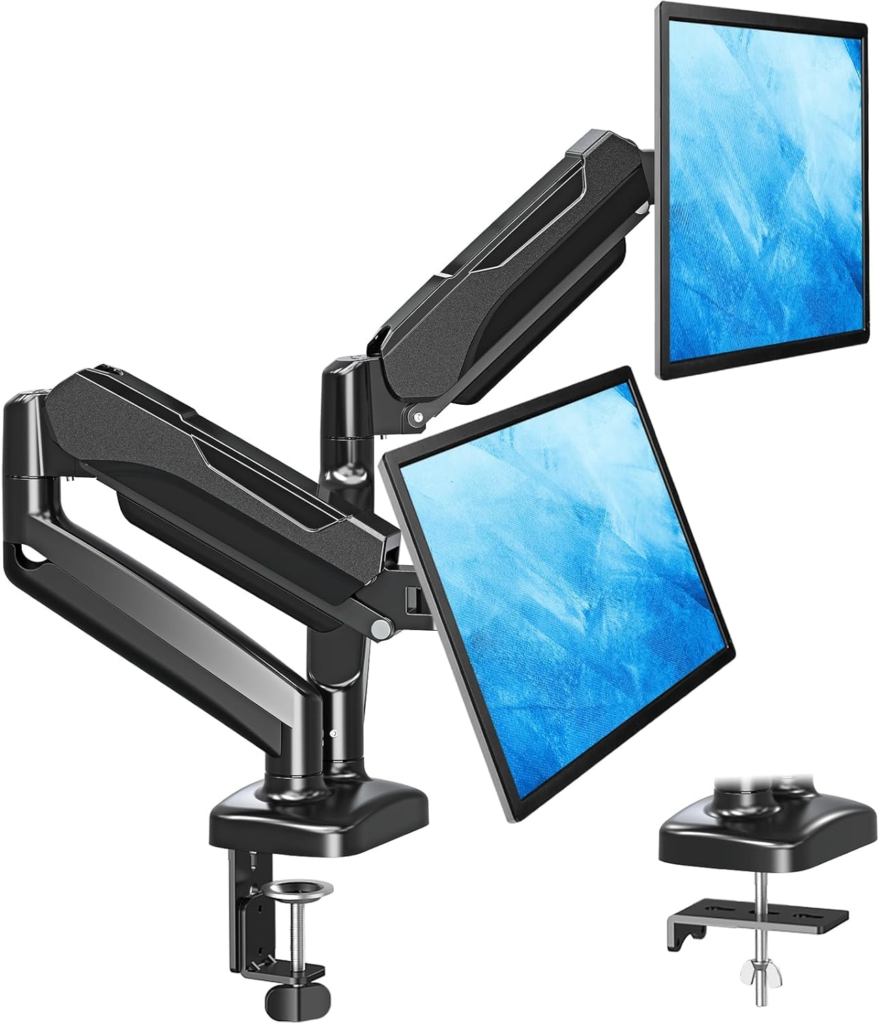
For users who rely on two monitors daily, the MOUNTUP Dual Monitor Stand offers a complete productivity solution. Its dual gas spring arms allow independent adjustment of each screen, making it ideal for multitasking and professional workflows.
Key Features
- Supports dual monitors from 22–32 inches
- Holds monitors weighing 4.4–17.6 lbs each
- Premium gas spring arms
- Height-adjustable design
- Tilt, swivel, and rotation support
- Portrait and landscape compatibility
- C-clamp and grommet mounting options
- Durable construction
Pros
✔ Supports dual-monitor workflows
✔ Excellent ergonomic adjustments
✔ Smooth gas spring operation
✔ Ideal for multitasking
✔ Professional workstation appearance
Cons
✘ Requires additional desk space during setup
✘ Slightly more complex installation
Recommended For
- Programmers
- Stock traders
- Video editors
- Content creators
- Professional office users
Rating: 4.8/5 ⭐
link- https://amzn.to/4uJSyKL
Comparison Table
| Feature | Dyazo Dual Mount | iVOOMi Single Arm | MOUNTUP Dual Stand |
| Monitor Support | 1 Monitor + 1 Laptop | 1 Monitor | 2 Monitors |
| Screen Size | 13–32″ | 15–34″ | 22–32″ |
| Gas Spring | No | Yes | Yes |
| Height Adjustment | Yes | Yes | Yes |
| 360° Rotation | Yes | Yes | Yes |
| C-Clamp Mount | Yes | Yes | Yes |
| Grommet Mount | Yes | Yes | Yes |
| Best For | Laptop Users | Single Monitor Users | Dual Monitor Users |
| Rating | 4.5/5 | 4.7/5 | 4.8/5 |
How to Choose the Right Monitor Arm
Choose the Dyazo Dual Monitor Desk Mount If:
- You use a laptop alongside an external monitor.
- You want to maximize desk space.
- You frequently switch between laptop and monitor workflows.
Choose the iVOOMi Single Monitor Arm If:
- You use one monitor.
- You want smooth gas spring adjustments.
- You need support for larger displays up to 34 inches.
Choose the MOUNTUP Dual Monitor Stand If:
- You work with two monitors daily.
- Productivity and multitasking are priorities.
- You want a professional dual-screen workstation.
Benefits of Using a Monitor Arm
Regardless of which model you choose, monitor arms offer several advantages:
Better Ergonomics
Positioning screens at eye level helps reduce neck, shoulder, and back strain.
Increased Productivity
Multiple screens and flexible positioning improve workflow efficiency.
More Desk Space
Removing bulky monitor stands creates a cleaner workspace.
Professional Appearance
Monitor mounts help create a modern, organized desk setup suitable for home offices and professional environments.
Improved Viewing Comfort
Easy adjustments allow users to find the perfect viewing angle throughout the day.
Final Verdict
All three products offer excellent value, but the best choice depends on your specific needs.
🏆 Best Overall for Dual Monitor Users: MOUNTUP Dual Monitor Stand
🏆 Best Single Monitor Solution: iVOOMi Single Monitor Gas Spring Arm
🏆 Best for Laptop + Monitor Setups: Dyazo Dual Monitor Desk Mount with Laptop Tray
Investing in a quality monitor arm is one of the simplest and most effective ways to improve comfort, productivity, and workspace organization. Whether you’re building a home office, gaming station, or professional workstation, these monitor mounts can help create a more efficient and ergonomic setup.